AI Chatbot for a Website: How to Build One in 2026
In short
- An AI chatbot for a website is a widget in the corner of the page that answers visitors in natural language, powered by a language model and your own material. Unlike old scripted bots, it understands questions asked freely, not just button clicks.
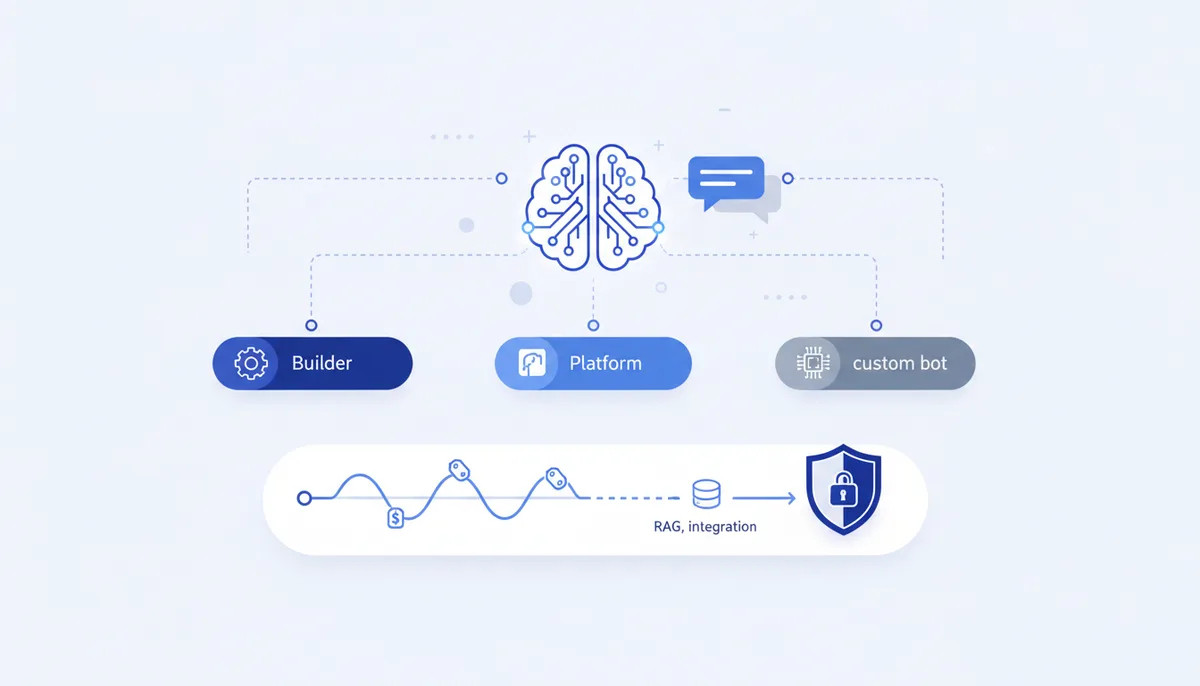
- There are three routes: a widget builder (no-code, fast and cheap), a ready-made AI platform (a balance of price and flexibility), and your own bot on an API or an engine (maximum control).
- To make the bot answer about your products and services rather than "the internet in general", you connect it to a knowledge base through RAG.
- Price benchmarks as of July 2026: builders have free tiers, paid ones start at roughly 1,600 ₽/month; a custom bot on Russian models via API starts at about 0.065 ₽ per 1,000 tokens (tens to hundreds of roubles per thousand answers); full custom development runs 300,000-500,000 ₽.
- The moment your bot collects a name and phone number, you become a personal-data operator under 152-FZ (Russia's personal data law): you need consent and data storage on servers inside Russia.
What an AI chatbot is and why a website needs one
An AI chatbot is a conversational program that generates answers with a neural network instead of serving pre-written phrases from a button tree. A classic scripted bot breaks on the first off-script question; a bot built on a large language model (GPT, GigaChat, YandexGPT and others) understands how the customer phrased it and answers to the point.
What such a bot covers on a website: first-line support (answers to routine questions 24/7), lead qualification, help choosing a product, booking a service. It doesn't replace a human on hard cases, but it removes the routine and catches leads at night and on weekends.
An honest caveat: without a connection to your data, an AI bot answers "in general terms" and can invent facts (hallucinate). So the key question isn't "which neural network to pick" but "how to teach it your products". We'll come back to that in the RAG section.
What are the ways to build a chatbot for a website?
There are essentially three approaches, and they differ in the trade-off between launch speed, control and price.
- Widget builder. A chatbot builder is a visual editor where the bot is assembled from ready-made blocks without programming. Good for validating an idea in a day.
- Ready-made AI platform. A service where an AI agent with a knowledge base, broadcasts, CRM integrations and analytics come out of the box. The balance between simplicity and capability.
- Your own bot on an API or an engine. You connect the model via API and write the logic yourself — through a developer or by building the app with AI. Maximum control over data and scenarios.
Below is the comparison with price benchmarks.
Comparison: builder, platform or your own bot
| Approach | Who it fits | Pros | Cons | Price (July 2026) |
|---|---|---|---|---|
| Widget builder (no-code) | Small business, testing an idea | Live in a day, no code | Template scenarios, you pay per contact | Free tiers; paid from ~1,600 ₽/month |
| Ready-made AI platform | Mid-size business, support | AI agent and knowledge base out of the box, CRM | Vendor lock-in, plan limits | From ~1,600 ₽/month and up by volume |
| Your own bot on API/engine | Custom scenarios, data control | Full control, any integration | Needs hands-on work or development | API from ~0.065 ₽ per 1,000 tokens; full build 300,000-500,000 ₽ |
A few benchmarks for the Russian market as of July 2026, worth re-checking on the official sites before you buy:
- Builders and platforms. JivoChat has a free tier for live chat, but the AI bot is connected through a separate service, SaluteBot (from ~990 ₽/month), and requires a paid Jivo plan. BotHelp starts at ~1,599 ₽/month; the plan depends on the number of active subscribers and includes a no-code builder and AI agents with knowledge bases. Salebot has a free tier of up to 50 messages a day — enough for testing. A common hidden cost line is paying per contact or subscriber rather than for the bot itself.
- Your own bot on Russian models. Here you pay for tokens, not requests. GigaChat API (Sber) on the Lite model runs about 0.065 ₽ per 1,000 tokens (a 20 million token pack for 1,300 ₽), Pro roughly 0.5 ₽ per 1,000 tokens; in early 2026 Sber cut business rates roughly threefold and gives individuals 1 million Lite tokens a month for free. YandexGPT in Yandex AI Studio is 0.20 ₽ per 1,000 tokens on Lite and 0.40 ₽ on Pro. In practice a thousand bot answers costs tens to hundreds of roubles — several times cheaper than foreign models.
- Full custom development at an agency averages 300,000-500,000 ₽ depending on scenario complexity.
When choosing a model in Russia it's easier to rely on services legally available from the country without workarounds — we covered the options in our review of ChatGPT alternatives in Russia.
How do you train a bot on your own knowledge base (RAG)?
RAG (Retrieval-Augmented Generation) is a way to plug your knowledge base into a neural network: before answering, the bot first finds the relevant fragment in your documents and then composes an answer based on it. Without RAG the model relies on general knowledge and fills gaps by guessing; with RAG it answers using your prices, terms and instructions.
How it works step by step: your documents (price list, FAQ, contracts, articles) are split into fragments and turned into vectors; when a question arrives, the system finds the closest chunks by meaning and passes them to the model along with the question. Technically you don't have to change your storage — RAG indexes whatever already lives in your wiki, Confluence or spreadsheets.
Many ready-made platforms offer knowledge base upload out of the box. If you're assembling the bot yourself, the MCP protocol is a convenient way to connect external data and tools — what it is and why it matters is covered in our roundup of MCP servers. Answer quality also depends heavily on the system prompt — ready-made prompts for neural networks help here.
How to embed the bot and stay on the right side of data protection law
Technically, installation looks similar across most services: you get a code snippet and paste it into your page template — the bot appears in the corner. If the site itself is still on the drawing board, see the guide on how to build a website with AI, and for messengers, how to build a Telegram bot with a neural network.
Data, though, calls for caution. A personal data operator is anyone who collects and processes such data, and the moment your bot asks for a name, phone or email, you become one. Under 152-FZ (Russia's personal data law, with consent amendments in force since 1 September 2025), as of July 2026 that means:
- obtaining explicit consent to processing before collecting the data;
- processing and storing personal data on servers located in Russia (data localisation);
- not passing customer conversations to third-party services that don't meet the requirements;
- being ready for oversight by Roskomnadzor (the Russian communications regulator).
The practical takeaway: don't make the bot collect more than it needs. For consultations an anonymous dialogue is often enough, and contacts can be requested at the point of an explicit request — with a consent checkbox.
When it's worth building your own bot
A builder covers simple scenarios. But when you need full control over data, non-standard logic or integration with your own system, building the bot yourself makes more sense. That used to mean hiring developers; today the app can be assembled together with an AI assistant — the vibe coding approach.
That's exactly what the qvib engine was made for: a ready scaffold and rule set for Claude Code and Cursor, where you describe the task in words and the code gets built under your control — including your own chat widget wired to a knowledge base and a Russian model. Such a bot is a special case of AI agents for business: it doesn't just answer, it performs actions. To learn the subject from scratch, start with the qvib knowledge base.
FAQ
Can you build an AI chatbot for a website for free?
Partly. As of July 2026 several builders (Salebot, for example — up to 50 messages a day) have free tiers with limits. They're enough to test the idea. But a full bot with a knowledge base and no caps almost always requires a paid plan or per-token API billing.
Which neural network should I choose for a Russian-language bot?
For customers in Russia, the legally available Russian models are convenient — GigaChat and YandexGPT: they understand Russian well and cost less than foreign models on comparable tasks. The choice between them usually comes down to which ecosystem you already work in and the token price. A review of the available options is in our article on ChatGPT alternatives in Russia.
Will the bot invent products or prices that don't exist?
Without a connection to your data — yes, that risk is real. RAG (searching your knowledge base before answering) is precisely what reduces invention to a minimum: the bot answers from the uploaded documents, not from the model's "memory". A clear system prompt forbidding answers about anything absent from the base helps further.
What about customers' personal data?
The moment your bot collects a name, phone or email, you are a personal data operator under 152-FZ: you need consent, data storage inside Russia, and caution about passing conversations to third-party services. Collect the minimum and ask for contacts only at the point of an explicit request.