What it is and why
Notion-as-site means publishing a Notion page as a site behind a link. It is the fastest way to hand over a ready-made collection, guide, knowledge base or mini landing page if you already write in Notion. Take it when your lead magnet is content (a checklist, a tool roundup, a guide): format it as a note → turn on publishing → share the link. Zero front-end work.
How to do it (step by step)
- Make the page in Notion — lay out the content (headings, lists, tables, images, links).
- Publish it. Share → Publish (publish to web) → you get a public link. Free.
- Configure access: you can allow or block search indexing, duplication and comments.
- A nice domain/design (optional): Super.so / Potion.so turn a Notion page into a full site with your own domain, custom CSS and analytics (paid).
- Capturing contacts. Notion itself has no forms — embed an external one (Tally/Google Forms) OR hand over the Notion guide AFTER someone subscribes on a landing page or in your newsletter.
- Structure. Link sub-pages together for multi-level content (a knowledge base).
- Updates are instant — edit the note and the link is immediately current (handy for "living" collections).
A ready-made recipe/combo
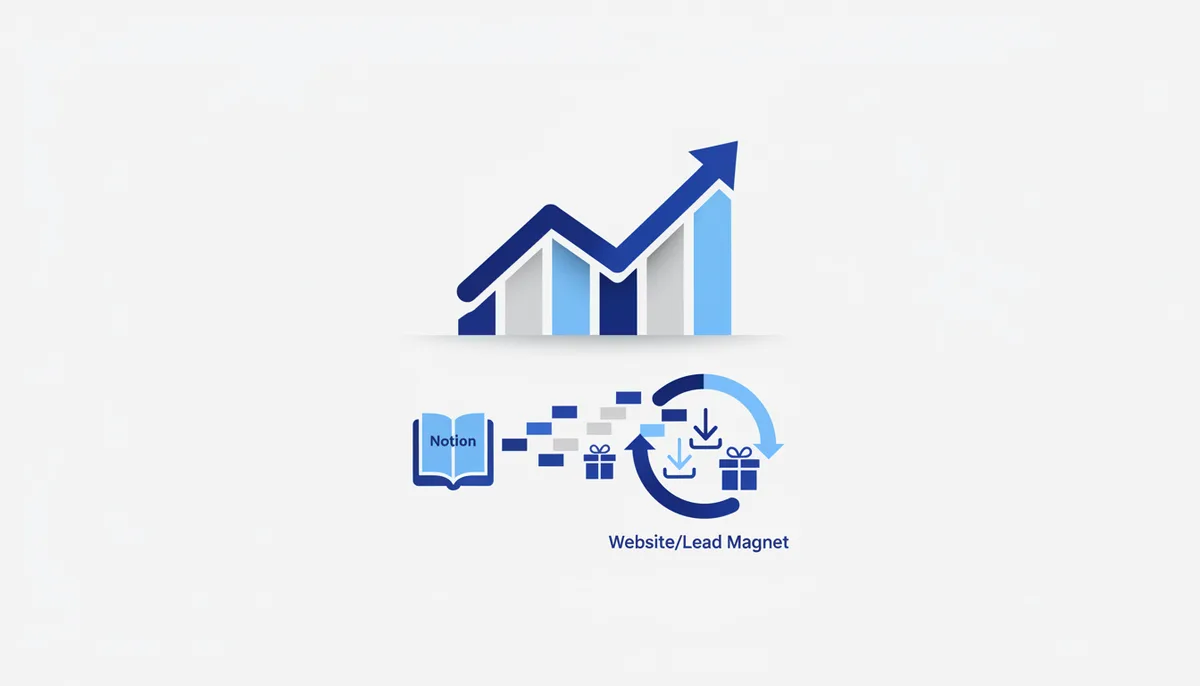
The "guide for a subscription" content lead magnet: you lay out a valuable roundup/guide in Notion → publish it behind a link → on your landing page (Tilda) a "get the guide" form with a consent checkbox → after signup your mailing service (Unisender) sends the link to the Notion page → the subscriber gets the value, you get a contact in your list. Notion is the free content "delivery"; capture happens on the landing page/mailing side.
What it costs (honestly)
The logic: publishing a page is free (within Notion). Your own domain/a nicer design comes through Super.so/Potion.so on a separate subscription (foreign currency). Exact amounts are on those services' sites and they change.
When it fits / when it doesn't
- Fits: the lead magnet is content (a guide/roundup/knowledge base); you already work in Notion; you need to hand over material behind a link quickly and for free; "living" collections you keep updating.
- Doesn't fit: you need built-in capture forms (there are none — you need an external service); you need a sales landing page with payments (Tilda); you need full control of the design without add-ons.
Risks and responsibility
Contact capture goes through an external form — that is where consent to personal data processing belongs (152-FZ). A published page is available to anyone with the link, so don't publish anything sensitive or anyone else's without the rights. If your roundup promotes someone else's product for money — that falls under Russian ad-marking rules (ORD). A foreign service (Notion) — assess this when handling Russian personal data. See the section disclaimer.
🤖 Prompt helper
You are a content marketer. I want to build a lead-magnet roundup on "{topic}" in Notion and hand it over in exchange for a subscription. Help me with: (1) the page structure (sections, what to put in so it is genuinely valuable); (2) a hooky headline and intro; (3) how to tie it to contact capture (form + mailing); (4) what to check regarding personal-data consent. Give me a content skeleton I can paste straight into Notion.