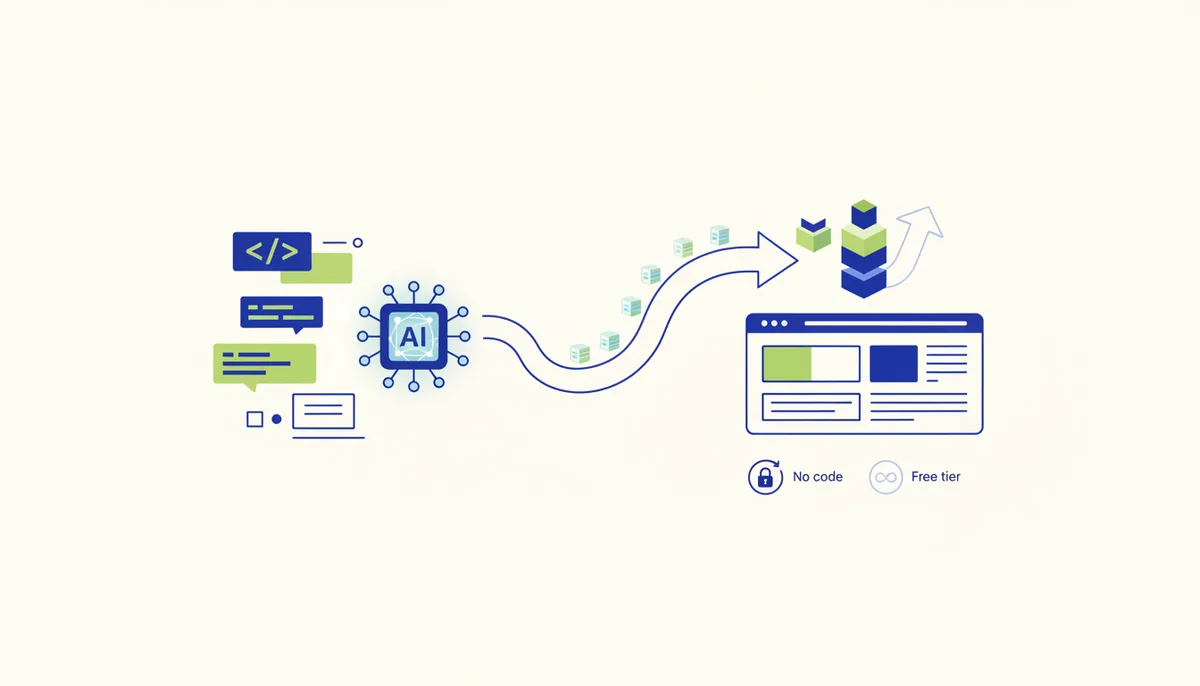
What it is and why
Tilda is a powerful Russian no-code site and landing page builder: a library of ready-made blocks plus Zero Block (free-form design, "like in Figma"). Russian interface and support, with capture forms and payment integrations out of the box. Take it as the workhorse for landing pages and lead magnets — the sweet spot between simplicity and flexibility, and the de facto standard in the Russian web.
How to do it (step by step)
- Sign up at tilda.cc — there's a free plan (1 site, up to 50 pages, a
*.tilda.wsdomain). - Create a project, then a page. Assemble it from blocks (cover, text, features, testimonials, form, footer) by dragging, no code.
- Zero Block for a one-off design: move elements freely, add animations, control the layout precisely — for when the standard blocks aren't enough.
- Capture form. Add a form block, configure the fields and the mandatory consent checkbox for processing personal data (152-FZ). Connect a destination: email, Google Sheets, a CRM (amoCRM/Bitrix24), Telegram.
- Taking payments. Embed a button or cart wired to YuKassa/Prodamus/Robokassa — sell straight from the landing page.
- SEO and analytics. Fill in title/description, connect Yandex.Metrica or GA4.
- Your own domain (paid plan) — point a domain you own at the site and turn on HTTPS.
- Publish. On the free plan you get a Tilda subdomain; on a paid one, your own domain and the limits lifted.
Ready-made recipe
A lead magnet landing page that also sells: build the page from blocks (offer → benefits → testimonials → form) → the form with its consent checkbox pushes the contact into Unisender (a welcome sequence with the guide) and into amoCRM as a lead → further down the page a YuKassa payment block for the paid product → Metrica with a goal on form submission shows the conversion rate → A/B test different cover headlines. From capture to payment, all on one landing page.
What it costs (honestly)
The logic: a free plan (1 site, Tilda subdomain, basic blocks). Paid plans (Personal/Business) are a monthly or annual subscription in rubles: your own domain, more sites, export, unrestricted Zero Block, a cart. Exact figures are on tilda.cc and they change.
When it fits / when it doesn't
- Fits: landing pages, lead magnets, promo sites, small multi-page sites; you want a Russian interface with forms and payments built in; you value the balance of simplicity and flexibility.
- Doesn't fit: you need complex custom logic or a web app (you'll hit the code wall); you need lots of sites for free (grab Carrd for cheap one-pagers); you only need a "link in bio" (Taplink is simpler).
Risks and responsibility
152-FZ: a capture form MUST have a consent checkbox for processing personal data and a link to your privacy policy (publish a policy page). Metrica and GA set cookies, so you need a notice. Taking payments means fiscalization (a receipt) on the payment provider's side (54-FZ). Advertising someone else's product on your landing page means ORD reporting. See the section disclaimer.
🤖 Prompt helper
You are a landing page marketer working in Tilda. The product is "{what}", the audience is {who}, the goal is {a lead / a payment / a subscription}. Give me: (1) the block structure of the landing page in order (with draft copy for each screen); (2) a strong offer and cover headline; (3) the capture form fields plus correct wording for the personal data consent; (4) what to connect (CRM / email / payments / Metrica). Copy in Russian, written to sell.