What it is
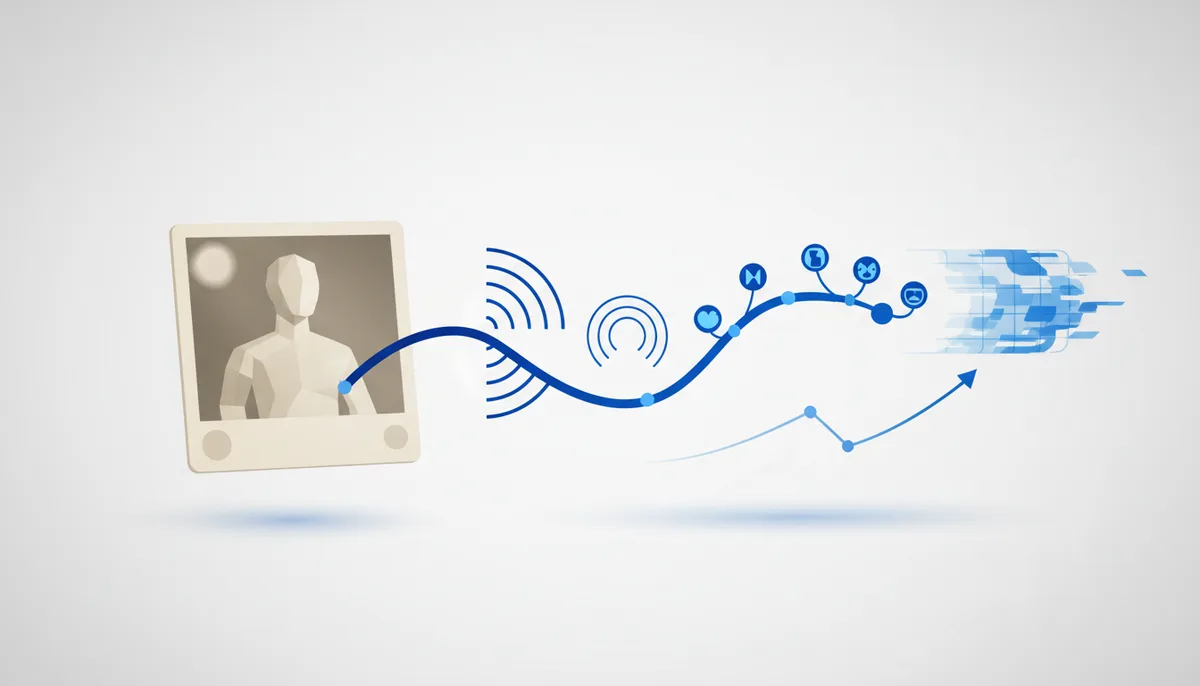
Turning a single still image into a short video clip: a slight camera move, wind, a blink, a smile, a turn of the head. It is a narrow case of AI video, but the most mainstream one — "the photo came to life".
Where it came from
Animating faces in photos ("bring an ancestor back") was popularized by early services like Deep Nostalgia. The new generation of image-to-video (Runway, Luma, Kling, Pika, Hailuo, Google's Doppl modes) raised realism and motion quality, and the format blew up on social media again.
Why it took off
- Strong emotion. A photo of someone close coming to life is personal and viral at the same time.
- One click from one image. No footage needed — just a photo.
- Perfect for Reels/Shorts: "photo to living frame" is a ready-made viral format.
How to use it now
- Image-to-video: upload the photo to Runway/Luma/Kling/Pika plus a motion prompt (
light wind, soft blink, slow camera push-in). - To revive an old portrait, restore it first (see the separate card), then animate.
- Cut a series of revived frames into one reel and add music or voiceover. What you get: a moving short clip made from an ordinary photograph.
What to watch out for
- The ethics of "reviving the dead". For some it is warm remembrance, for others a taboo; do it only for your own family or with the family's consent.
- Artifacts on faces and hands show up under heavy motion — keep the animation restrained.
- Other people's photos and celebrities without consent carry deepfake risk.