What it is
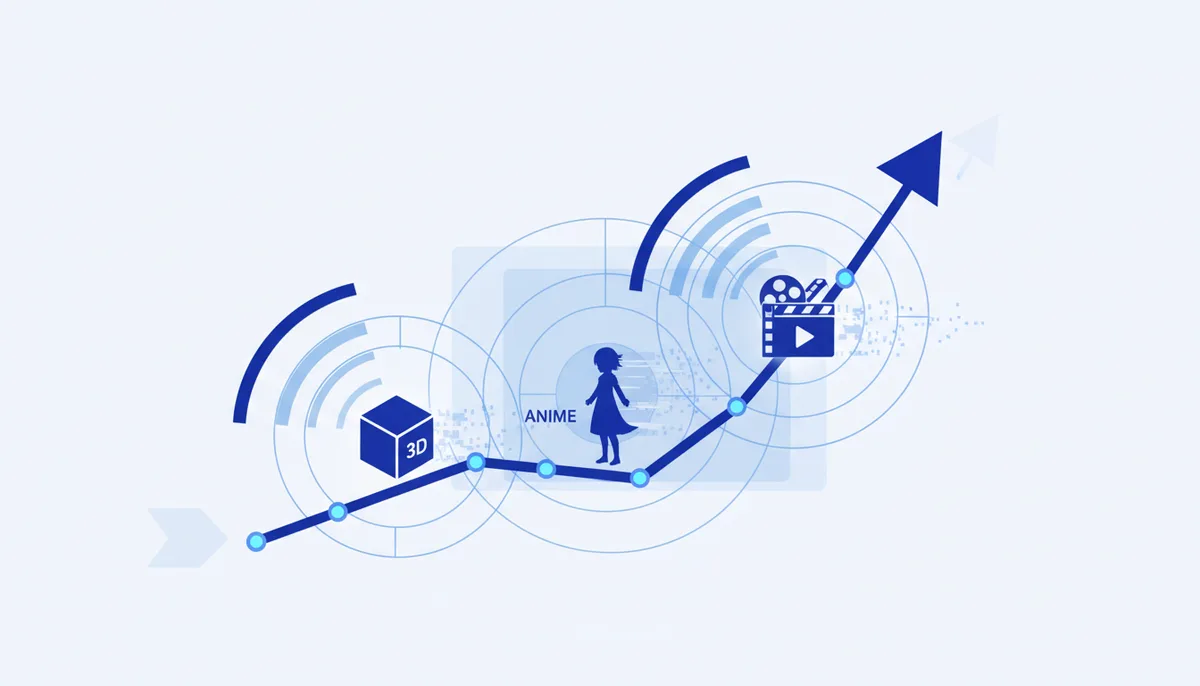
Not generation "from scratch" but repainting existing video into a different visual style while keeping the motion: live footage → anime/3D/comic/noir. The trend turned stylization into a full step of post-production.
Where it came from
Early video-to-video (Runway Gen-1, the open AnimateDiff/ControlNet pipelines in ComfyUI) flickered badly. Newer models (Runway, Kling, Luma, Pika) and frame stabilization removed part of the flicker — restyling became usable on real footage, not just demos.
Why it took off
- A fresh look out of material you already shot: one filmed clip → a dozen stylizations for different platforms.
- Aesthetics as a hook: an anime or retro restyle makes content stand out in the feed.
- Cheaper than animating by hand.
How to use it today
- In the cloud: video-to-video / style modes in Runway/Kling/Pika (upload a clip plus a style).
- Local, free and controllable: ComfyUI (AnimateDiff + ControlNet) — but it needs a GPU and setup.
- Short clips restyle more stably — cut long footage into pieces. What you get: a stylized version of your video without repainting it frame by frame.
What to watch out for
- Flicker and instability between frames still happen — test on a short segment.
- Repainting someone else's video, faces or brands raises questions about rights to the source and to the faces on screen.